Antigravity Remote Control: What It Does From Your Phone, and What It Does Not
Google shipped Remote Control for Antigravity 2.0 and the Antigravity CLI on August 21, 2026, and the search volume on its name says people want to know what it actually is. Here is what it does, checked against the documentation on September 22: the toggle and the agy remote-control commands, the web dashboard you sign into with your Google account, the home-screen install that gives you push notifications, several machines in one switcher, and the three limits that matter (Antigravity only, one daemon per machine, settings stay on the CLI). Then how the AgentsRoom mobile remote covers the other 15 CLIs, and how the two fit together.
Since Google shipped Remote Control with Antigravity 2.0 on August 21, 2026, "antigravity remote control" has become the second most frequent query that brings people to this site, after our own name: about 1 900 impressions in four weeks, and almost nobody clicking, because the page Google was showing them is about our remote, not Google's. That is fixed now. Here is what Antigravity Remote Control is, checked line by line against the documentation on September 22 and again on October 17, what it does not do, and how it fits next to the remote we build.
What it is, in one paragraph
Remote Control lets you reach the Antigravity sessions running on your computer from a web browser, on any device, without SSH and without opening a port. The machine keeps its files, its build tools, its credentials and its environment variables; the browser gets a dashboard signed in with the same Google account. Google announced it for Antigravity 2.0 and for the Antigravity CLI on the same day, and the documentation covers both.
You can do five things from the dashboard: read the active conversations, start a new agent task, review an implementation plan, inspect the artifacts the agent produced, and answer what the agent is waiting for, whether that is a tool confirmation or a question. A prompt typed on the phone streams into the local terminal, and a confirmation given on the phone unblocks the terminal at the desk. Both sides stay in sync.
Turning it on
There are three ways in, and they map to three habits.
In Antigravity 2.0, the editor, it is a switch: Settings, App section, "Enable Remote Control". You can give the machine a nickname there, which is what you will see in the dashboard's instance switcher.
On the Antigravity CLI, inside a session you already have open, type /remote-control. The tunnel opens for that session and closes when the session ends, or when you type /remote-control off. The agy --remote-control flag does the same thing at launch time. The machine gets an auto-generated name per session, something like devbox-swift-falcon. The command also prints a direct link, https://antigravity.google.com/r/<instance-id>, that opens that very conversation in any browser, and several terminals can each open their own tunnel at the same time, each under its own name.
If you want the tunnel to outlive the terminal, run the daemon instead:
agy remote-control start --name office-mini
agy remote-control status
agy remote-control stop
start registers a background service: a systemd user service on Linux, a LaunchAgent on macOS, a Scheduled Task on Windows. Two details in the documentation worth reading twice: on macOS the daemon only starts at login, not at boot, and on Windows it needs an Administrator install to start at boot, otherwise it too waits for a login. On Linux it comes up with the machine and keeps running after you sign out. The --name flag sets the machine name, and running start --name again renames it; the cliRemoteControlHostname entry of ~/.gemini/config/config.json (%USERPROFILE%\.gemini\config\config.json on Windows) does the same permanently, after another agy remote-control start. Do not confuse it with remoteControlHostname, which is the editor's setting.
The daemon is limited to one per machine.
Connecting from the phone
Open the Remote Control dashboard, at antigravity.google.com, in the phone's browser and sign in with the Google account of the machine. This sign-in is separate from the editor's login, which is the first thing to check when the dashboard shows nothing. Every machine that runs the toggle or the daemon appears in the instance switcher, so a laptop and a desk machine sit side by side under the same account.
It is a web app, not a store app. On Android and on iPhone, add the dashboard to the home screen; installed that way it can send push notifications, and that is the part that makes it usable: you get a notification when an agent has finished its turn or is waiting for you, you open the dashboard from the notification, you answer, you put the phone back in your pocket.
Three limits worth knowing before you rely on it
It reaches Antigravity only. The dashboard sees Antigravity 2.0 sessions and Antigravity CLI sessions. A Claude Code session on the same machine is invisible to it, and so is a Codex, Cursor or Copilot CLI session. Claude Code has a Remote Control of its own, driven from the Claude app; we compared the two in our article on Claude Code Remote Control.
Settings stay on the CLI. You cannot flip Remote Control on or off from the dashboard, nor change the machine name from there. That is a CLI or editor action, at the machine.
It is enabled account by account. The documentation lists Remote Control as a feature flag that your account or organization policy has to turn on. If the toggle is not in your Settings, or the CLI answers that Remote Control is not enabled for your account, ask your workspace administrator or check that your plan includes it. There is nothing to reinstall.
One more, which is a property rather than a limit: an interactive /remote-control tunnel dies with its terminal. If you close the laptop lid and the session ends, the phone shows the machine offline. The daemon is the answer when you want the machine reachable after you have walked away.
How we use it next to the AgentsRoom remote
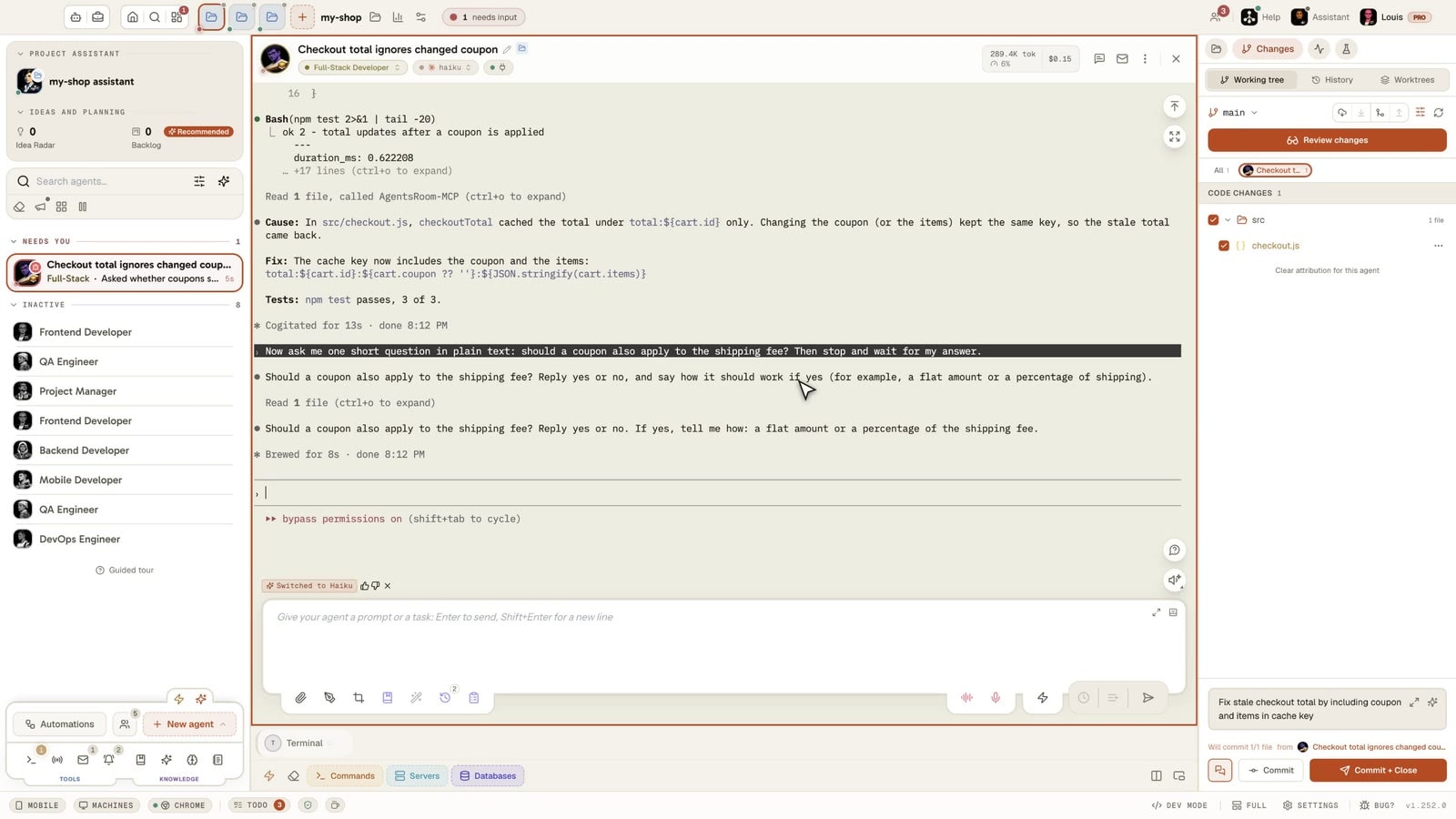
We run Antigravity agents inside AgentsRoom, the same way we run Claude Code, Codex and the other CLIs: each agent is a terminal in the app, with a role, a model and a status. The AgentsRoom mobile app is a remote for those terminals. It pairs with the desktop over a relay that is end-to-end encrypted, forwards what you type into the local terminal of the agent, and streams the output back. The agent does not know a phone is involved, which is why it works for all 16 supported CLIs on the day they are supported, Antigravity included.
So for an Antigravity agent we have two remotes, and they answer different questions.
Google's Remote Control gives us the Antigravity view of the session: the conversation as the editor renders it, the plan to review, the artifacts, the confirmations, with the account-level push notifications. It is the better screen when the work is a single Antigravity session and the question is "what did it decide, and does it need me".
The AgentsRoom remote gives us the machine: the raw terminal of that agent, the Claude Code agent running next to it, the backlog ticket the task came from, the diff of what was written and the commit button, the tunnel to the dev server the agent just started. It is the better screen when several agents share the machine, or when the answer to the notification is "merge it" rather than "yes, go on". Nothing runs on the phone and nothing is re-hosted: the agent keeps executing locally, and the relay only ever sees encrypted bytes.
Both can be on at the same time on the same session. The split that makes sense to us: the Antigravity daemon on the machine that hosts the agents, so that its turns reach the phone through Google's notifications, and the AgentsRoom app for everything else on that machine. One notification stream from Google for the Antigravity turns, one from AgentsRoom for the rest of the fleet.
What to remember
- Remote Control shipped on August 21, 2026 for Antigravity 2.0 and the Antigravity CLI: a web dashboard at antigravity.google.com, signed in with your Google account, installable on the phone's home screen for push notifications.
- Turn it on in the editor's Settings, with
/remote-controlin a session, or with theagy remote-control startdaemon when you want it to outlive the terminal. - It drives Antigravity only, one daemon per machine, and its settings live on the machine, not in the dashboard. A missing toggle means your account or your plan does not have it yet.
- For the rest of the machine, the AgentsRoom remote agent control covers every CLI at once, and the two remotes coexist on the same Antigravity session. If your question is about running two Google accounts on the CLI, that one has its own article.
Download AgentsRoom
Run all your AI agents, on all your projects, from a single window.
Companion app: monitor your agents on the go
Bring your own: Claude, Codex, Antigravity CLI, or other AI provider.
Push bugs and requests straight to your public backlog.
Agents you read like a conversation
Each agent has a role, a face, and a thread you read like a messaging app.
Keep reading
Driving Your Coding Agents From Your Phone While They Work
Your agents code for 20 minutes straight. You don't need to sit in front of the screen. Here's how to track and unblock them from your phone, whether they run on Claude, Codex or Antigravity.
Read the articleDoes Claude Code Remote Control Use More Tokens? And Does Codex Have One?
Two questions people type into Google since Anthropic shipped Remote Control: does driving a Claude Code session from your phone cost more tokens, and is there an equivalent for Codex. Short answers: no, a turn is a turn wherever you type it, and yes but only half of it exists. Here is what Remote Control actually is, how to measure the token question yourself in four commands, what codex remote-control does today, and how a mobile remote that never talks to a provider changes the math.
Read the articleWhere Claude Code Keeps Its Scratchpad, and Why It Disappears
Every Claude Code session announces a scratchpad directory and then never shows it again. Here is the exact path on macOS, Linux and Windows, what sits next to it, why a reboot or a temp cleanup erases it, what you can and cannot configure, and the one rule we gave the seven agents that write into it every night.
Read the article