Looking for an alternative to AMUX? Meet AgentsRoom.
Native desktop agent manager with mobile sync vs a browser-based tmux wrapper.
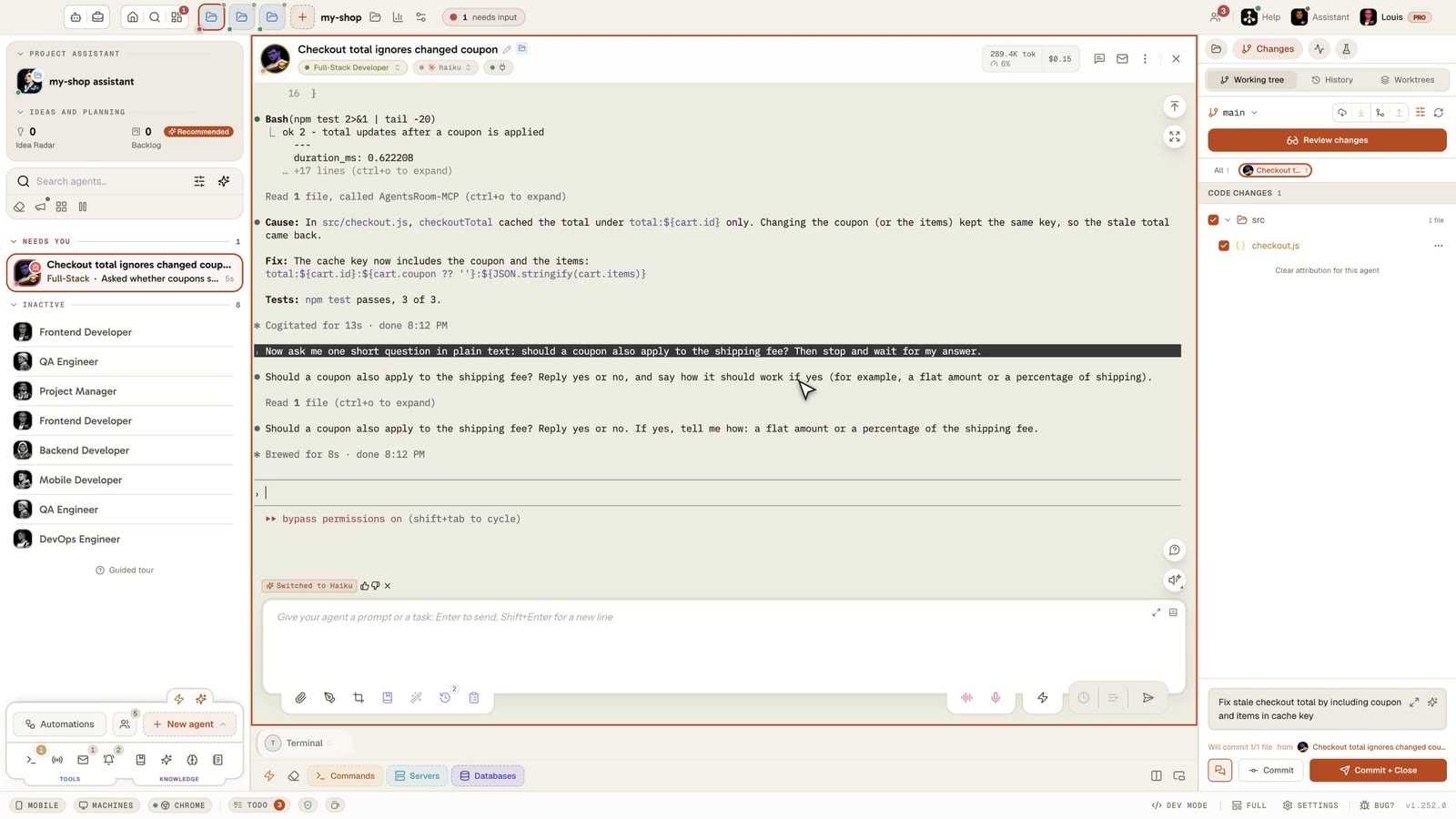
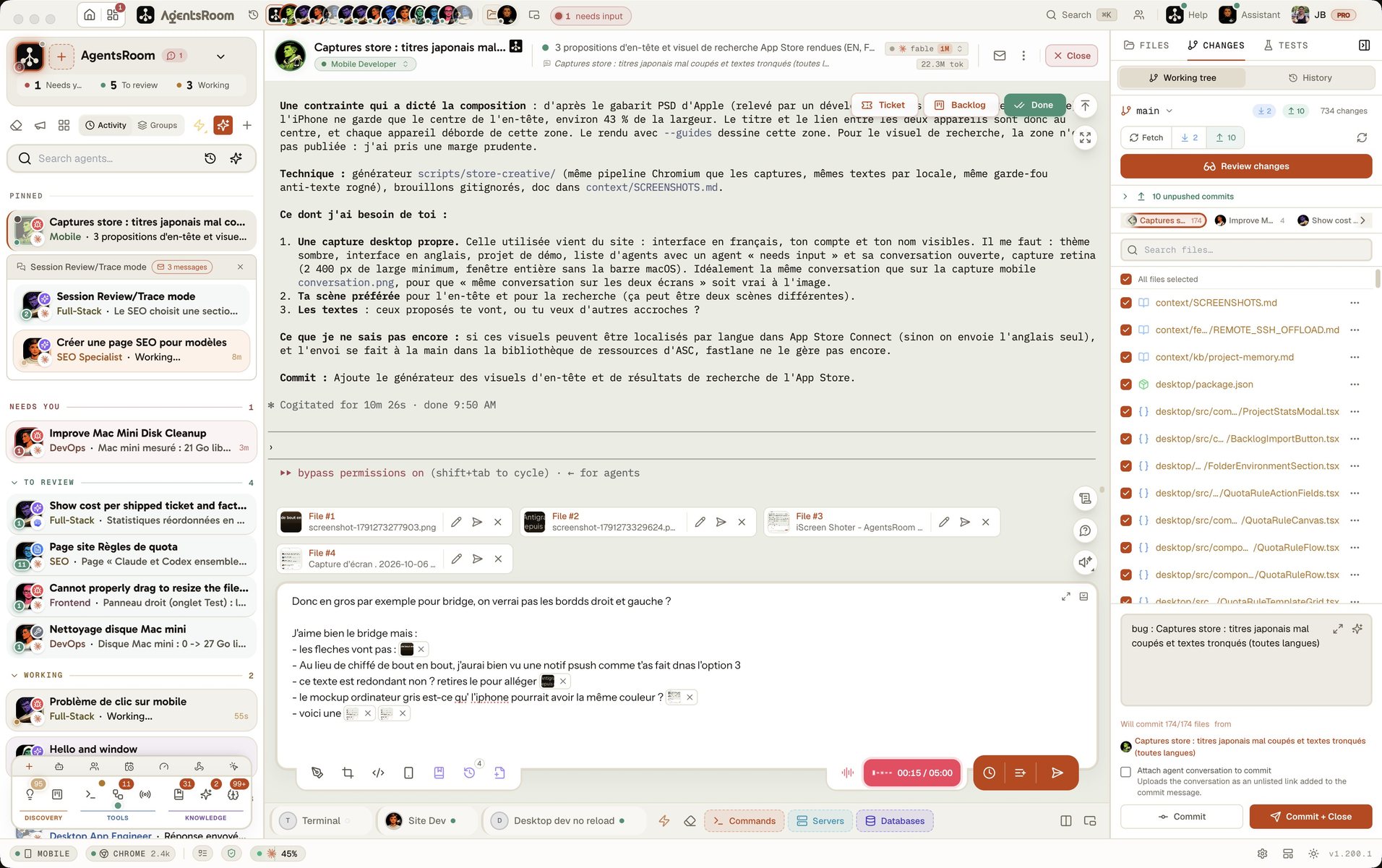
Both tools help you run multiple Claude Code agents in parallel. AgentsRoom is a native desktop app for macOS, Windows and Linux, with 14 roles, real-time status and mobile notifications. AMUX provides a web UI on top of tmux for browser-based access.
Side-by-Side
AMUX
- -Browser-based UI built on top of tmux
- -Basic agent status with no real-time updates
- -Dock badge in its Mac app, no push notifications documented
- -Single project at a time
- -No role system or agent specialization
- -Manual configuration with no visual editor
AgentsRoom
- +Native app for macOS, Windows and Linux, with an integrated terminal
- +Real-time agent status with color-coded indicators
- +Desktop, iOS and Android push notifications
- +Multi-project management with drag-and-drop
- +14 specialized agent roles (architect, tester, reviewer...)
- +Per-agent model configuration and settings editor
Feature Comparison
A direct look at what each tool offers for managing Claude Code agents.
| Feature | AgentsRoom | AMUX |
|---|---|---|
| Visual interface | ✓ | Web UI |
| Real-time agent status | ✓ | Basic |
| Notifications | ✓ | Basic |
| Multi-project | ✓ | ✗ |
| Built-in terminal | ✓ | ✓ |
| Config editor | ✓ | ✗ |
| Drag and drop | ✓ | ✗ |
| Specialized roles | ✓ | ✗ |
| Model per agent | ✓ | ✓ |
| Setup time | 30 sec | 10 min |
See It in Action
Watch AgentsRoom manage multiple Claude Code agents from a single interface.
The desktop app, in Simple mode
On a phone the demo runs the real desktop app in its Simple interface mode: one project, its agents, one prompt. The full cockpit is on your computer.
When to Choose AMUX
AMUX is a good fit in specific scenarios. Here is when it makes sense.
You prefer a web-based interface
AMUX runs in any browser. If you work across multiple operating systems and want a consistent UI without installing a native app, AMUX covers that use case.
You run agents on remote servers
AMUX can be deployed on a remote server and accessed through SSH tunneling or a browser. This is useful for teams with centralized build machines.
Your team shares a single server
Multiple developers can connect to the same AMUX instance running on a shared server. AgentsRoom focuses on individual developer workflows with E2EE mobile sync.
Switch from AMUX
Moving to AgentsRoom takes under a minute. Your Claude Code config files carry over.
Download AgentsRoom
Install the desktop app from agentsroom.dev. Open it and point it to your project directory.
Configure your agents
Assign roles, set models, and organize agents with drag-and-drop. Your existing Claude Code config files are detected automatically.
Start working
Launch agents directly from the app. Status updates, notifications, and mobile sync work out of the box.
Frequently Asked Questions
Ask us something elseWhat is AMUX?
Does AgentsRoom run on Linux and Windows?
Does AMUX support agent roles?
How does setup time compare?
Can I get notifications with AMUX?
Does AMUX only run Claude Code?
































Ready to manage your Claude agents?
Download AgentsRoom and start running multiple agents in 30 seconds.
Companion app: monitor your agents on the go
Bring your own: Claude, Codex, Antigravity CLI, or other AI provider.
Push bugs and requests straight to your public backlog.
Agents you read like a conversation
Each agent has a role, a face, and a thread you read like a messaging app.